πŸŒ‰How to Bridge

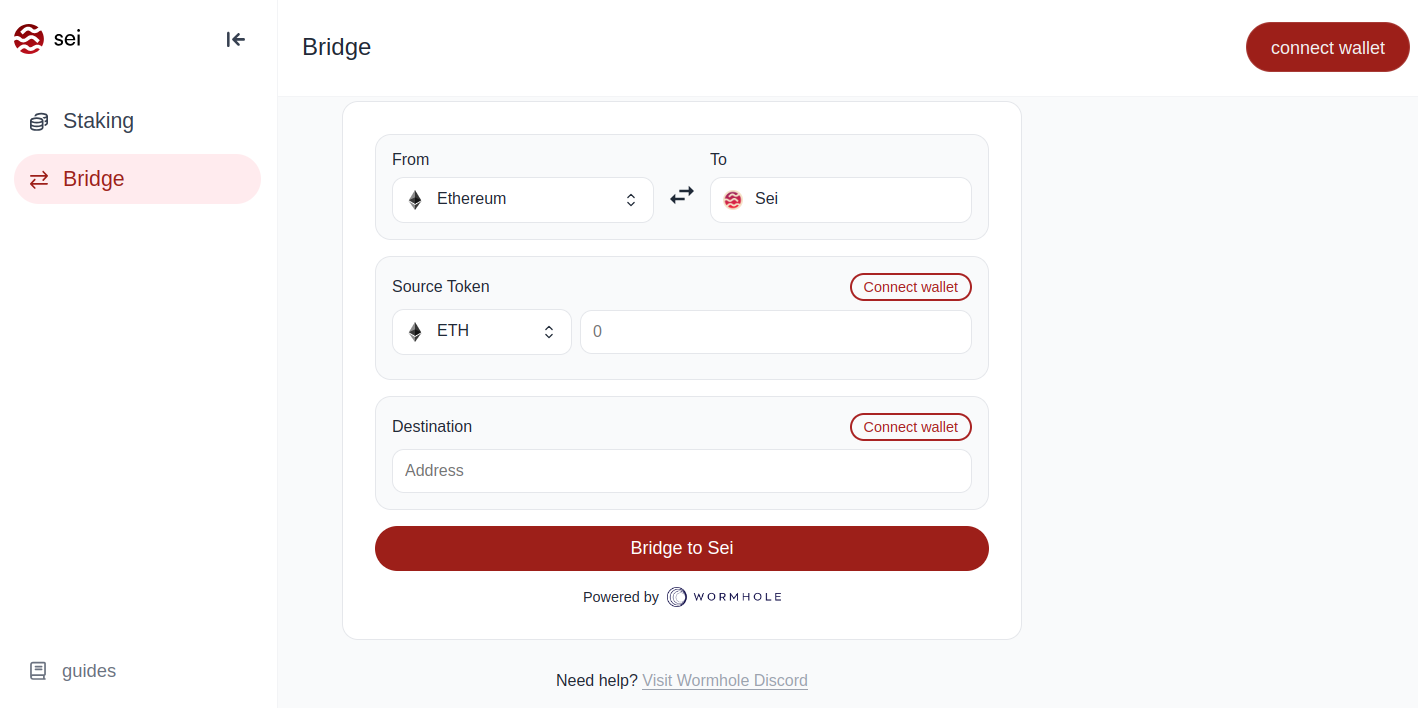
The official Sei bridge is https://app.sei.io/bridgearrow-up-right, which facilitates transfers to and from multiple chains, including;

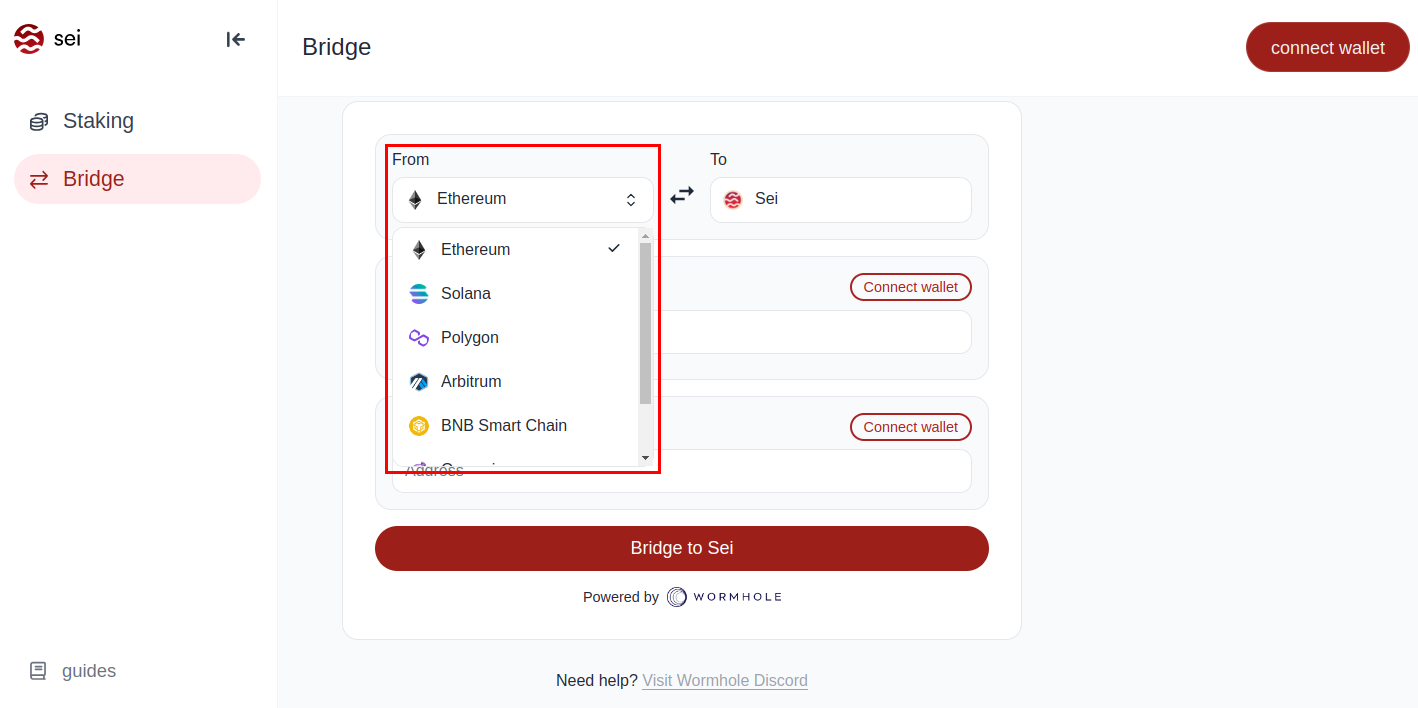
  • Ethereum

  • Solana

  • Polygon

  • Arbitrum

  • BNB Smart Chain

  • Osmosis

  • Optimism

Step 1: Navigate to the Official Sei Bridge Page​arrow-up-right

Begin by visiting the Sei bridge at https://app.sei.io/bridgearrow-up-right

Step 2: Select Your Source Chain​arrow-up-right

From the dropdown menu, choose the network you'd like to bridge tokens from.

Step 3: Connect to Your Source Chain Wallet​arrow-up-right

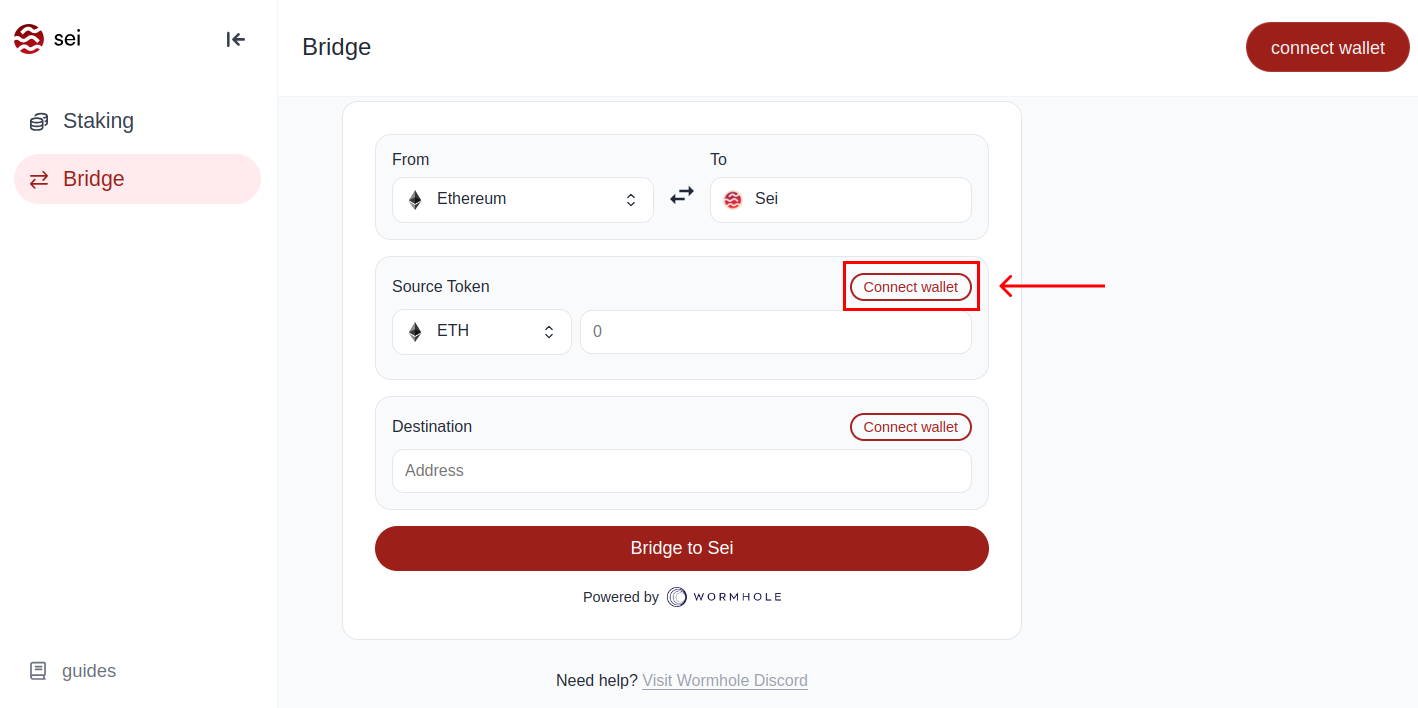
Click on the "Connect wallet" button to continue.

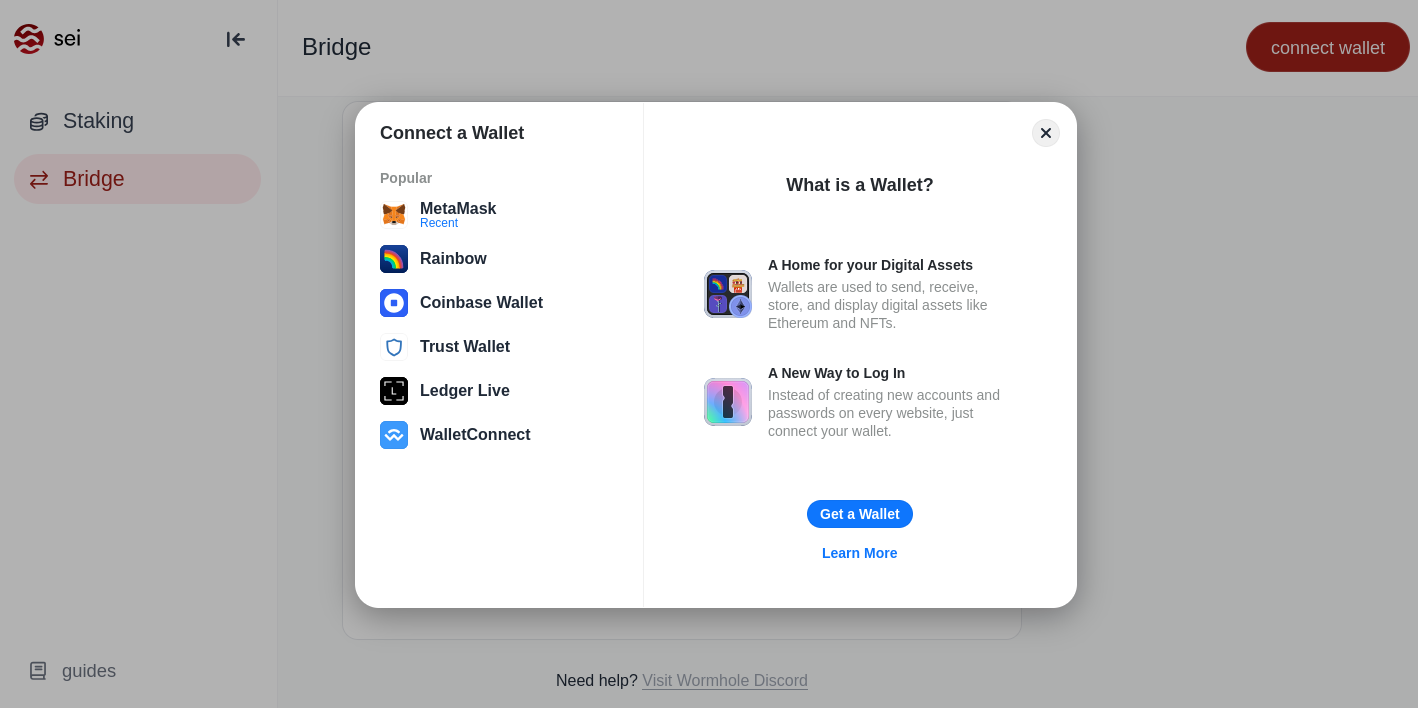
Depending on the network, a prompt will display various wallets available for connection. Select your desired wallet

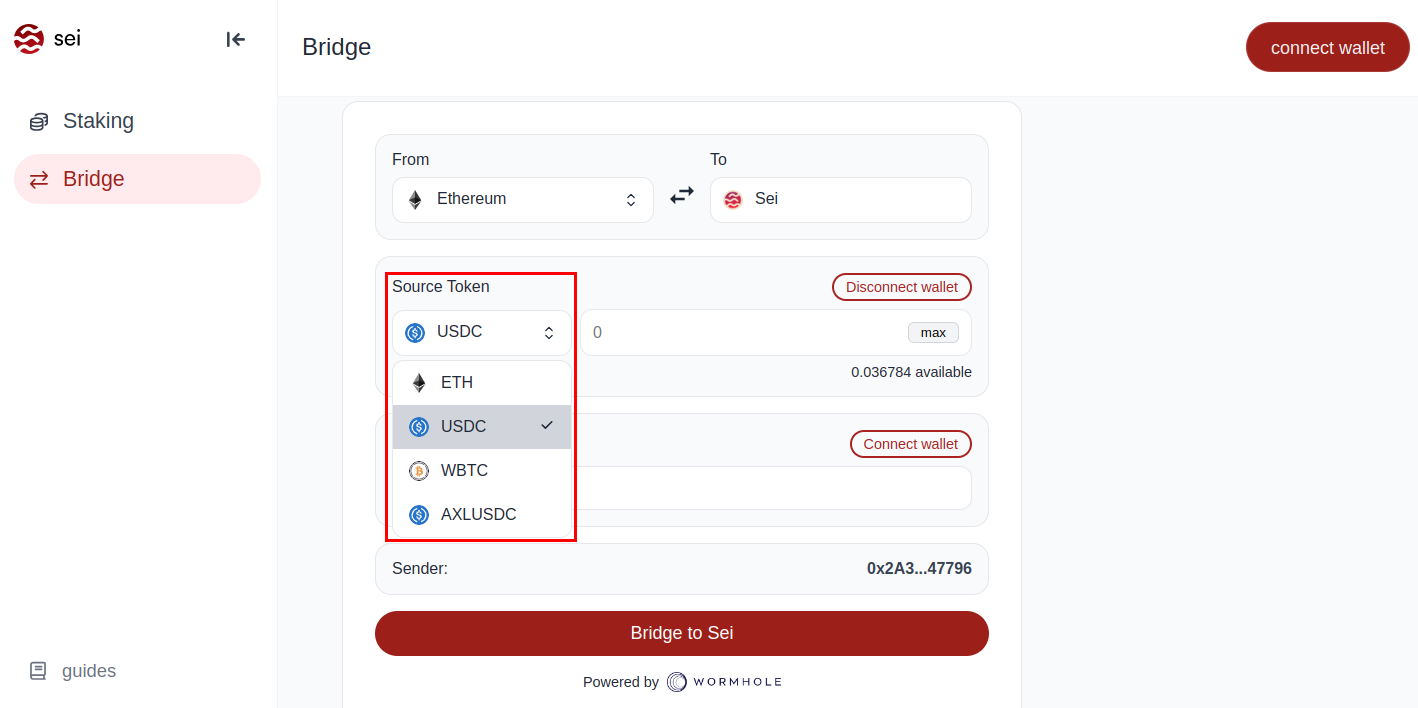
Step 4: Select Source Token to Bridge​arrow-up-right

Select the token you wish to bridge. You can refer to the pools pages on sei.astroport.fi/pools for suggestions on which tokens to bridge.

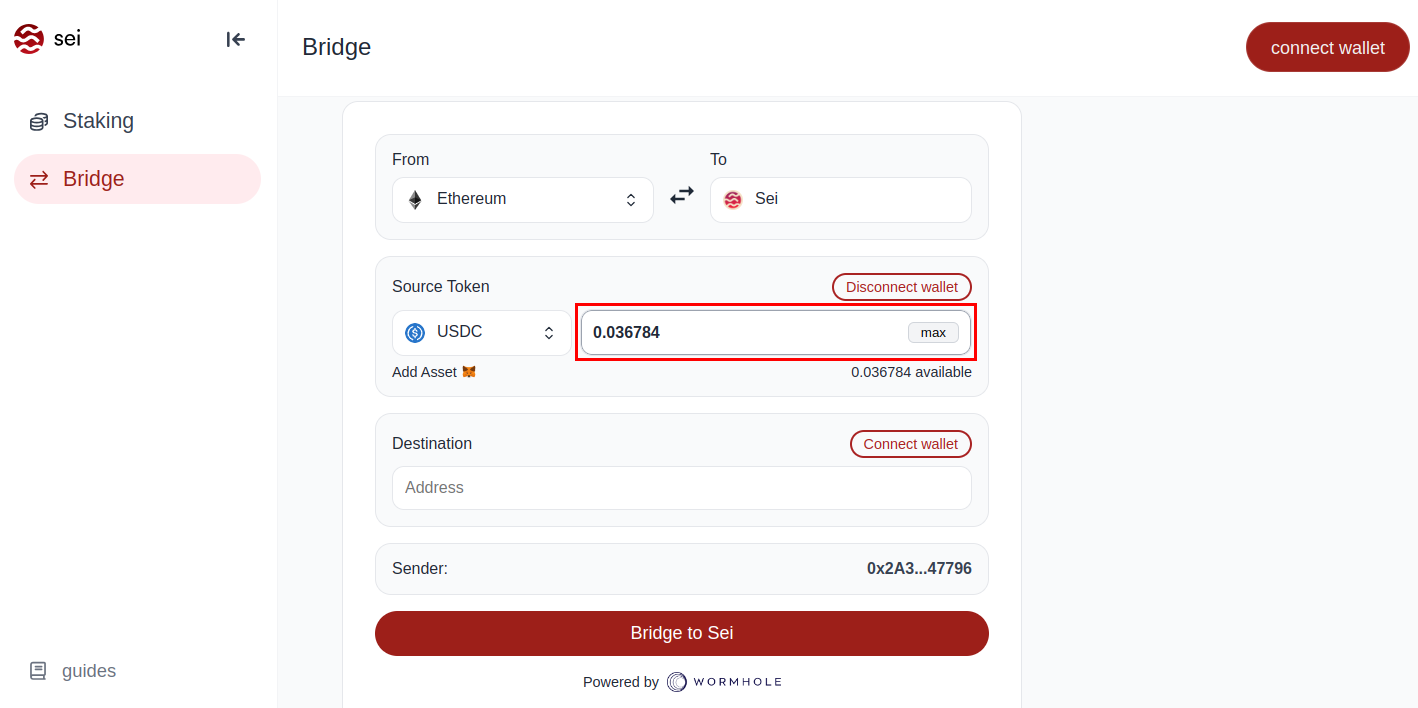
Step 5: Select an Amount to Bridge​arrow-up-right

Enter the specific number of tokens you intend to bridge over.

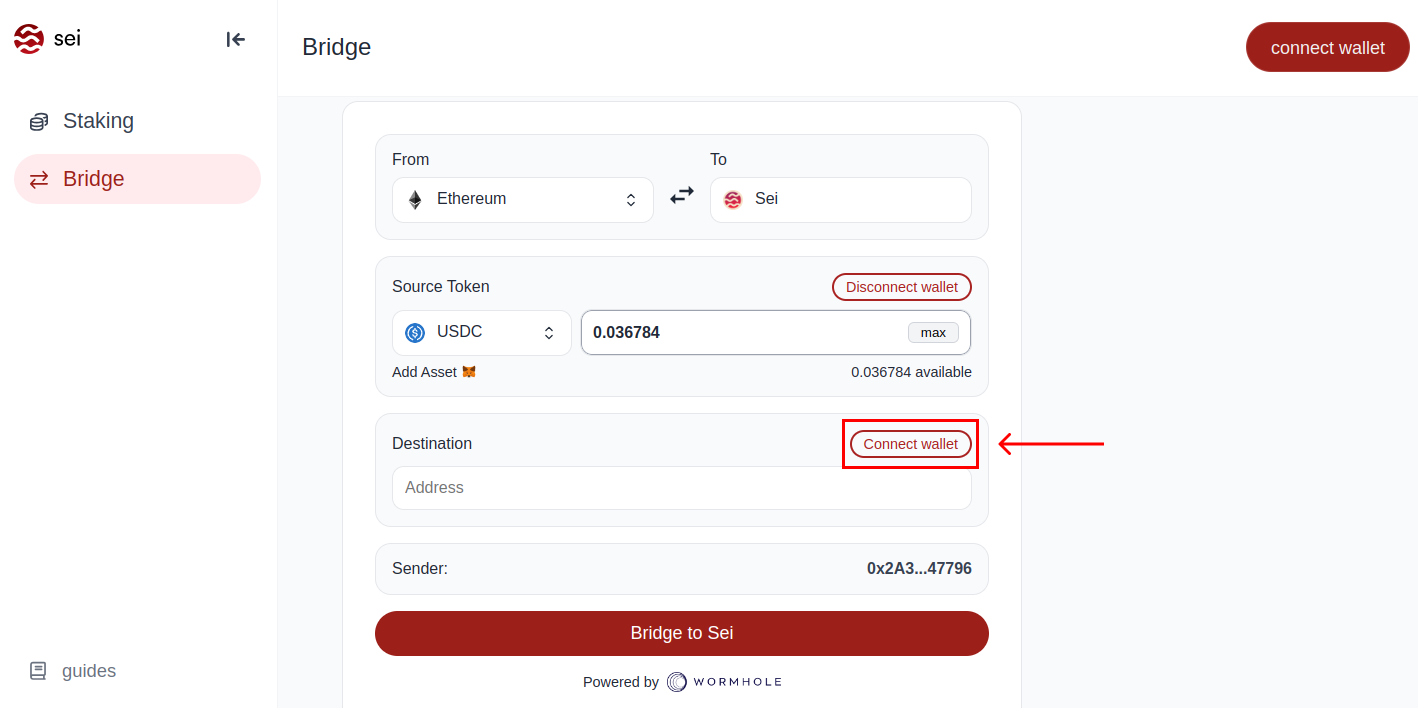
Step 6: Connect to Your Destination Chain Wallet​arrow-up-right

Press the "Connect wallet" button to continue.

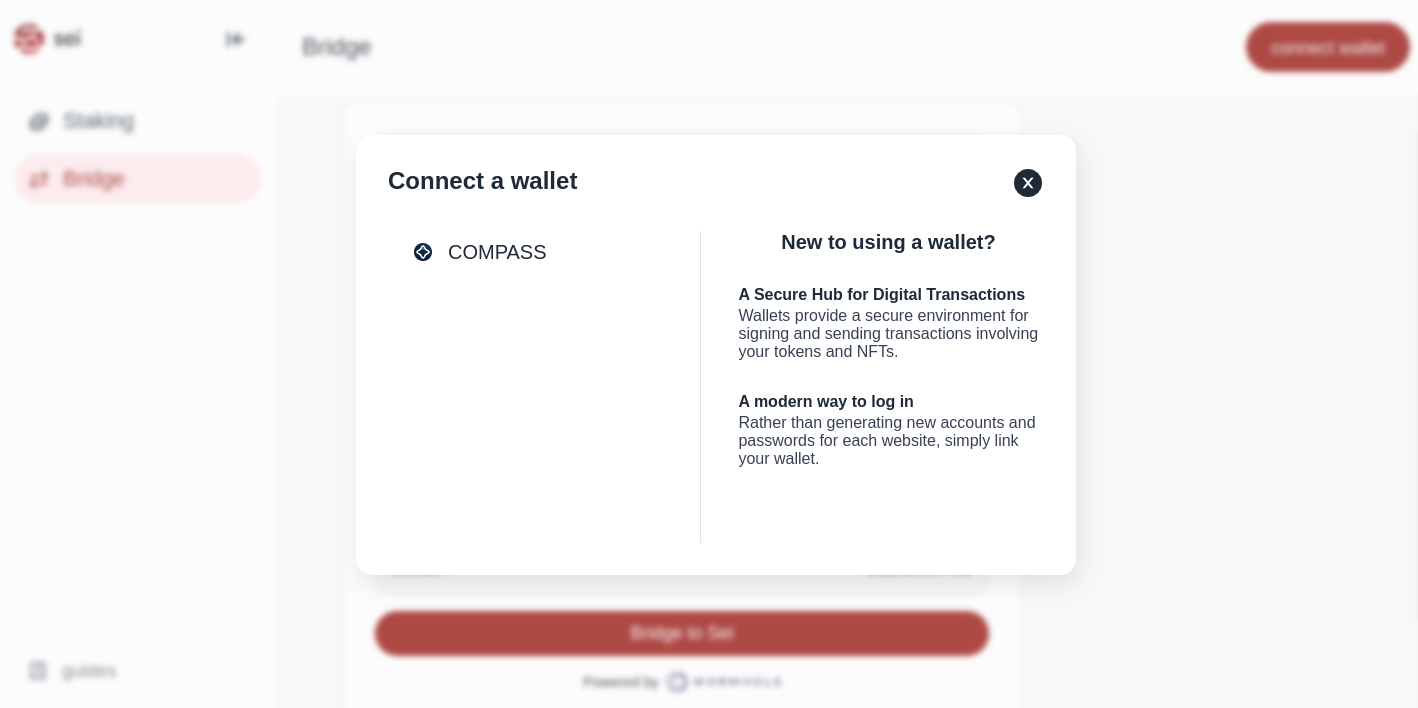
From the prompted list, choose the Compass wallet, as it will be the only option available.

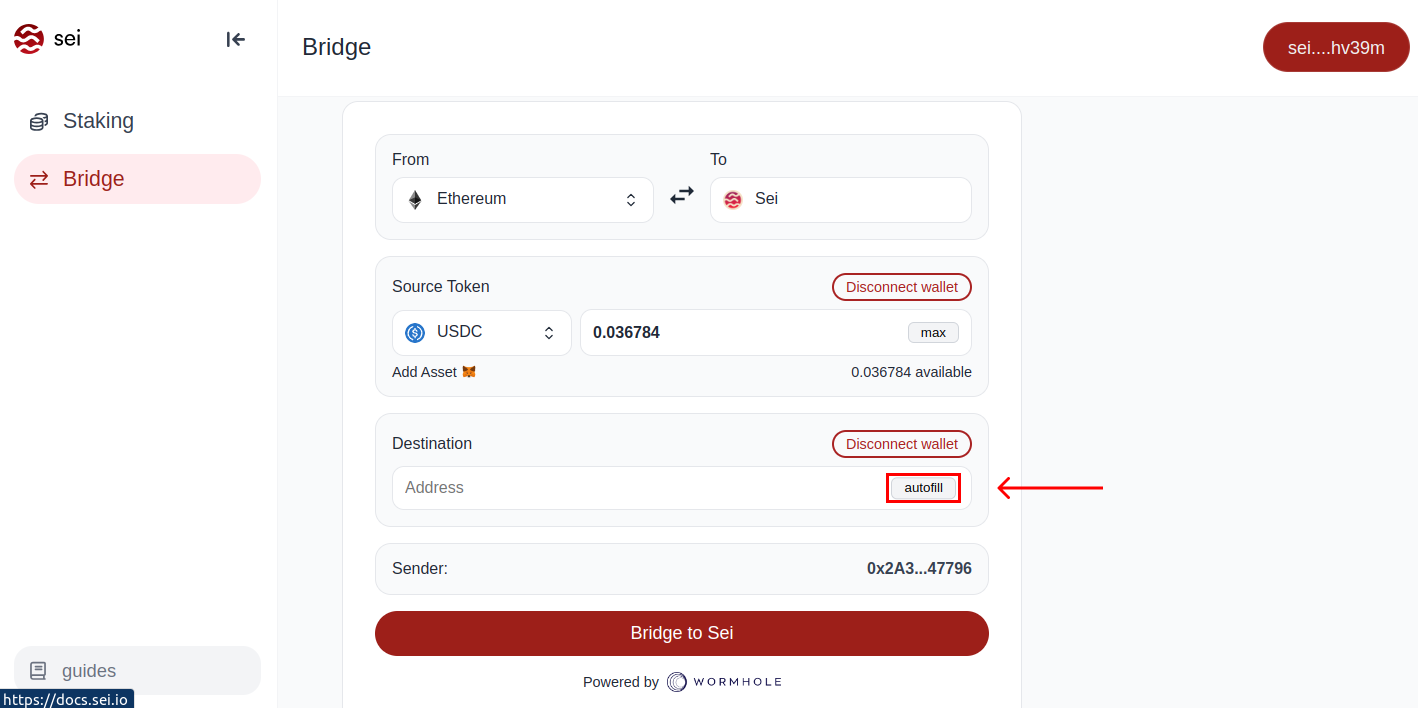
Step 7: Inputting the Receiving Address​arrow-up-right

To expedite the process, click the "Autofill" button. This will automatically populate the destination address field with the correct information. If you're using a different wallet besides Compass, you can simply paste in your receiving address without connecting to the bridge.

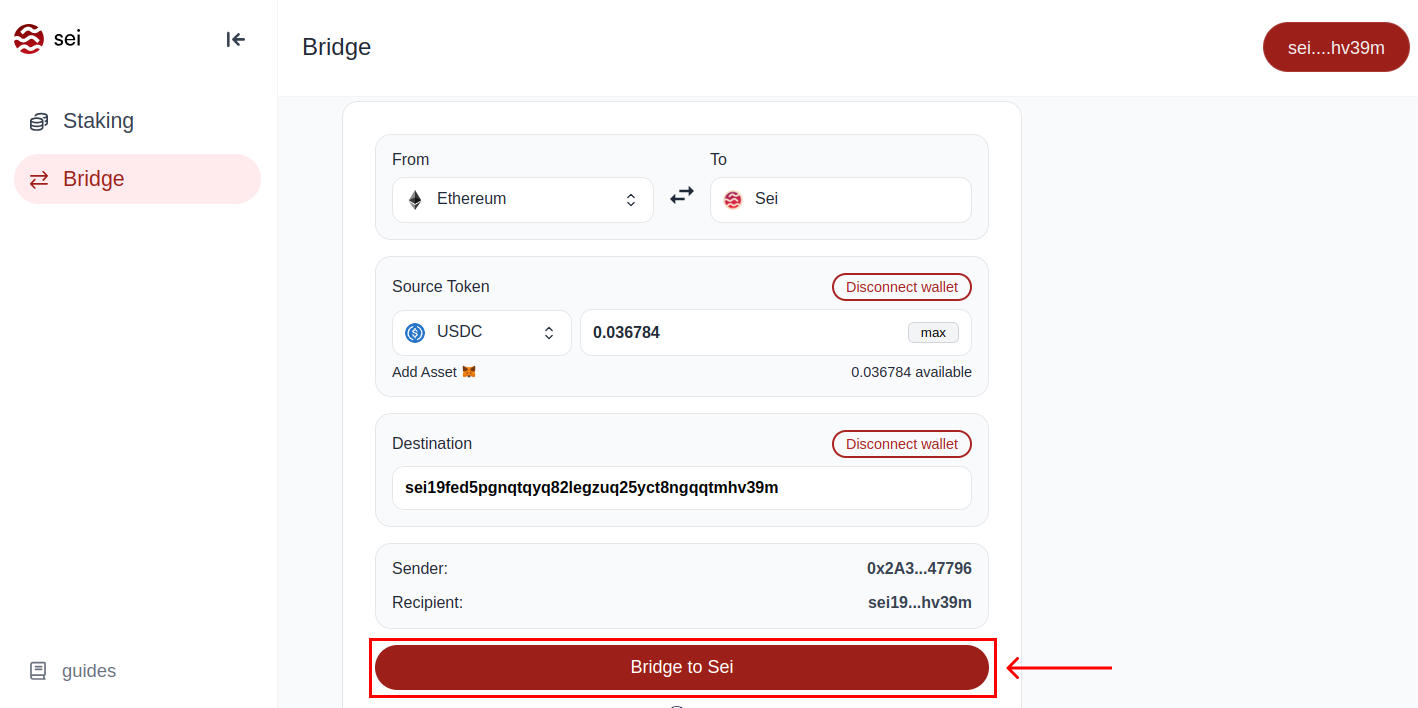
Step 8: Initiating the Transfer​arrow-up-right

Confirm all entered details, and then select "Bridge to Sei" to initiate the bridging process.

Step 9: Approve & Execute Bridging Transactions​arrow-up-right

This step involves two separate transaction: approving the spending limit for the token and sign and broadcast the transaction to complete the bridging process.

Congrats! You've Successfully Bridged Tokens to Sei v2 Mainnet.

Last updated